
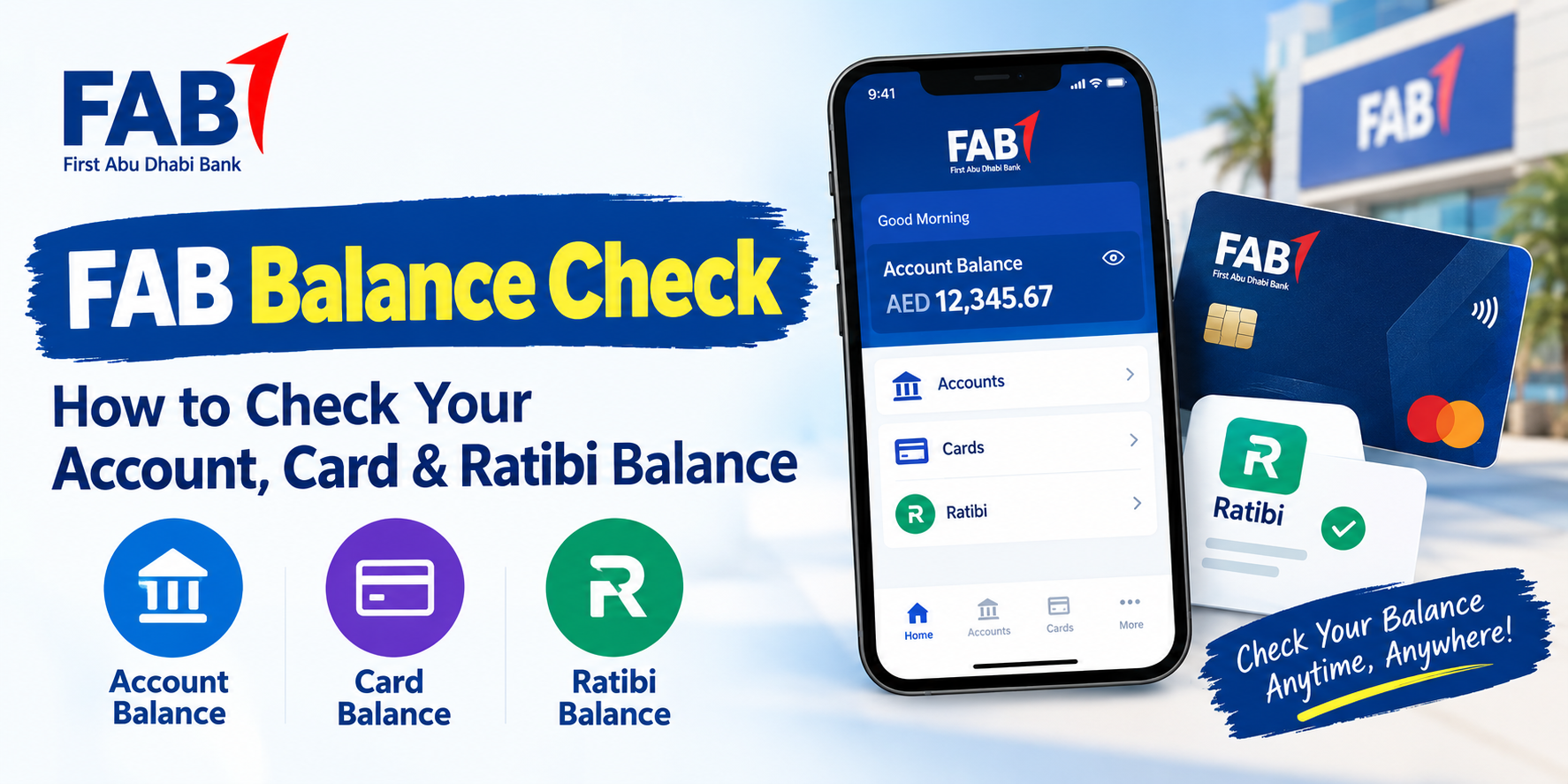
Checking your bank balance regularly is one of the simplest ways to keep track of your money. For First Abu Dhabi Bank customers in the UAE, a FAB balance check can be done through several channels depending on the type of account or card you use.
A regular FAB bank account, debit card, credit card, Ratibi salary card, and prepaid card may not all use exactly the same balance enquiry process. Choosing the right method can therefore save time and help you avoid using an unsuitable service.
FAB currently provides digital banking through FAB Mobile, where customers can manage accounts and cards and check balances and transaction information.
This guide explains the main ways to check a FAB balance, how the methods differ, what to do when a balance does not appear correctly, and how to protect your banking information.
What Is a FAB Balance Check?
A FAB balance check simply means checking the amount currently available or recorded in a First Abu Dhabi Bank account or eligible card.
The exact information shown can depend on the financial product you are using. A regular current or savings account may show an account balance along with recent transactions, while a prepaid or salary card may have a separate enquiry process.
For everyday banking, checking your balance can help you understand how much money is available before making purchases, paying bills, transferring funds, or withdrawing cash.
It can also help you notice unexpected transactions sooner.
FAB’s official mobile banking information states that FAB Mobile allows customers to manage accounts, debit cards, and credit cards while checking their balances.
How Do I Check My FAB Balance on the Mobile App?
For customers who use FAB Mobile, checking a balance can be done directly through the banking application.
Start by opening the official FAB Mobile app on your smartphone. Sign in using your registered authentication method.
Once you are inside the application, your available accounts and cards can be accessed from the banking interface. Select the relevant account or card to view its balance and transaction information.
FAB currently describes its mobile application as a way to manage accounts and cards and check balances. Its service-status page also lists viewing account balance and transaction history through FAB Mobile as available.
The app can be particularly useful if you check your balance frequently because you do not need to visit a branch or ATM for routine enquiries.
Why Use FAB Mobile for Balance Checking?
FAB Mobile provides more than a simple balance number.
Depending on the account or card, customers can also access transaction information and other banking services through the application. FAB’s current mobile banking features include transaction categorisation, search filters, spending insights, and real-time alerts.
This makes the app useful for people who want to understand not only how much money they have but also where their money is going.
Can I Check My FAB balance check Through Online Banking?
Yes, customers with access to FAB’s online banking services can use the official banking website to manage their accounts.
Online banking can be useful when you are working from a computer or do not want to use a mobile application.
Go to the official FAB website and access the relevant personal banking login area. After signing in securely, select the account or card you want to review.
Your available information can include account balances and transaction history, depending on the product and service available to you.
For security, always make sure you are using the official FAB website rather than entering your banking credentials into an unofficial balance-checking website.
You can access FAB’s official banking website directly when you need to use its online banking services.
How Do I Check My FAB Balance at an ATM?
An ATM can be useful when you need to check your balance without using mobile or online banking.
To make an ATM enquiry, use a compatible FAB card at an ATM and follow the instructions displayed on the screen.
The usual process involves:
- Insert or use your card at the ATM.
- Enter your PIN when requested.
- Select the balance enquiry option.
- Choose the relevant account if more than one option is displayed.
- Review the balance shown on the screen or printed receipt if available.
- End the session and take your card.
The exact screen options can vary by ATM and card type, so follow the instructions displayed on the machine.
When using an ATM, always protect your PIN. Cover the keypad while entering it and avoid accepting help from strangers.
How Do I Check a FAB Ratibi or Salary Card Balance?
Ratibi and other salary or prepaid cards can work differently from a standard FAB current or savings account.
This distinction is important because searching for a general FAB account balance method may not give you the correct process for a prepaid salary card.
If your salary is received through a Ratibi or another eligible prepaid card, use the official balance enquiry channel associated with that card and provider.
Some FAB-related prepaid card services use Magnati’s prepaid card enquiry system. Before entering any card information, verify that you have reached the official provider’s website or portal.
Do not enter your card number, PIN, OTP, Emirates ID details, or login credentials into an unofficial balance-checking website.
The safest approach is to begin from official FAB information and follow the balance enquiry route applicable to your specific card.
What Is the Difference Between FAB Account and Card Balance?
The terms account balance and card balance can sometimes cause confusion.
A bank account balance relates to the funds recorded in your FAB account. A card may be linked to that account, but the information displayed can depend on the type of card and banking product.
A credit card is different again because its balance can represent an outstanding amount rather than money available to spend from a deposit account.
A prepaid or salary card may also have its own available balance.
This is why the first step in a FAB balance check should be identifying what you actually use.
Ask yourself whether you have:
- A FAB current account
- A FAB savings account
- A FAB debit card
- A FAB credit card
- A Ratibi salary card
- Another FAB prepaid card
Once you know the product, selecting the appropriate balance enquiry method becomes easier.
What Is the Difference Between Available Balance and Account Balance?
You may sometimes notice more than one balance figure.
An account balance represents the amount recorded in the account, while an available balance generally reflects what is currently available for use after applicable holds, pending transactions, or other adjustments.
The exact way these figures are displayed depends on the banking product and transaction status.
For example, a recent card transaction may affect the amount available to spend before every transaction has fully settled.
If two figures appear different, check the transaction history and any pending activity rather than assuming that one of the figures is incorrect.
Why Should You Check Your FAB balance check Regularly?
Regular balance checks can make everyday financial management easier.
One reason is budgeting. Knowing your current position can help you keep track of spending and avoid making payments without considering your available funds.
FAB itself provides financial-literacy guidance explaining that budgeting involves tracking income and expenditure and comparing planned spending with actual activity.
Balance checking can also help with transaction monitoring.
If you regularly review your account activity, an unfamiliar transaction may be easier to notice.
It can also be useful before important payments. Checking your available funds before a transfer, bill payment, or large purchase can reduce the possibility of an unexpected decline.
What Should I Do If My FAB Balance Is Not Updating?
Sometimes a balance or transaction may not appear exactly when you expect it.
A transaction can take time to process, and pending transactions may be treated differently from completed transactions.
If you notice a discrepancy, first check the transaction history and look for pending activity.
You can also refresh the banking application or sign out and sign back in if appropriate.
If the issue continues, use FAB’s official help and support channels rather than relying on an unofficial website.
FAB’s current service-status page provides information about the availability of several personal banking services, including account balance and transaction-history viewing through FAB Mobile.
Can I Check My FAB Balance Without Visiting a Branch?
For many customers, yes.
Digital banking makes it possible to check eligible account and card balances without physically visiting a branch.
FAB Mobile is designed for everyday banking from a mobile device and supports balance checking for accounts and cards.
Online banking provides another digital option.
ATMs can also provide a physical alternative when you prefer not to use online banking.
For prepaid or salary-card users, however, the appropriate enquiry process may be different, so always identify your card type first.
How Can I Check My FAB Credit Card Balance?
Credit card information should be checked through the official FAB banking channel associated with your card.
FAB Mobile supports credit card management, and the official FAB website describes the app as a place where customers can manage debit and credit cards and check balances.
When checking a credit card, remember that the figure you see may represent an outstanding balance, available credit, or another card-related amount rather than the cash balance of a normal bank account.
Review the labels shown in your banking interface so you understand which figure you are looking at.
Is FAB Balance Checking Available 24/7?
Digital balance checking is designed to provide convenient access outside traditional branch hours.
FAB Mobile is described by FAB as allowing everyday banking from anywhere and at any time.
However, individual services can occasionally experience maintenance or technical interruptions.
If the app does not work, check the official FAB service-status information or use another appropriate official channel.
ATM availability also depends on the location and machine, while customer-support availability can vary by service.
What Should I Do If I Forgot My FAB Mobile Login Details?
If you cannot access FAB Mobile, do not attempt to solve the problem by entering your banking information into an unknown website.
Use FAB’s official account recovery and support options.
The official FAB Mobile page provides help resources for customers, including support related to mobile access and other banking services.
Keep your registered mobile number and other required information up to date so that legitimate verification and recovery processes can work properly.
How Can I Keep My FAB Balance Information Secure?
Balance checking should always be done through an official and secure channel.
Never share your:
- Banking password
- Card PIN
- One-time password
- Full card details with unknown people
- Emirates ID information with unverified websites
- Mobile banking login credentials
FAB also warns customers about fraudulent investment opportunities and advises them to verify information through official communication channels.
Avoid clicking on suspicious advertisements or search results that imitate a bank website.
If a website promises to check your FAB balance but asks for sensitive information unnecessarily, leave the page and use an official FAB channel instead.
Which FAB Balance Check Method Should You Use?
The best method depends on the product you hold and what you need to see.
| FAB Product or Need | Suitable Official Channel |
| Current or savings account | FAB Mobile or online banking |
| Debit card linked to FAB account | FAB Mobile, online banking, or compatible ATM |
| Credit card | FAB Mobile or official FAB banking services |
| Ratibi or prepaid card | Applicable official prepaid-card enquiry channel |
| Physical balance enquiry | Compatible FAB ATM |
| Detailed transaction review | FAB Mobile or online banking |
The important point is that there is no need to use the same method for every FAB product.
Identify your account or card first, then choose the official channel designed for it.
Frequently Asked Questions About FAB Balance Check
How do I check my FAB balance online?
You can check an eligible FAB account or card through FAB Mobile or FAB’s official online banking services. The exact information available depends on your banking product.
How do I check my FAB balance on mobile?
Open the official FAB Mobile app, sign in securely, and select the relevant account or card. FAB confirms that the app supports balance checking and account management.
Can I check my FAB balance at an ATM?
Yes, a compatible ATM can provide a balance enquiry. Insert your card, enter your PIN, and follow the balance enquiry instructions displayed on the machine.
How can I check my Ratibi balance?
Ratibi is a prepaid salary-card product, so its balance enquiry can differ from a standard FAB bank account. Use the official balance enquiry channel applicable to your Ratibi card and verify the provider before entering card information.
Is FAB Mobile safe for checking my balance?
FAB provides FAB Mobile as its official mobile banking application and says it supports secure everyday banking and balance checking. Always download and access the app through official channels.
Final Thoughts
A FAB balance check does not have to be complicated.
If you have a regular FAB account, FAB Mobile and official online banking provide convenient digital options. ATMs provide another way to check your balance, while Ratibi and prepaid-card users may need a dedicated balance enquiry route.
The most important step is to identify your account or card type before choosing a method.
For security, always use official FAB channels and never share your PIN, OTP, password, or other sensitive banking information with an unofficial website or individual. Also read this 10 Authentic 1980s AI Photo Prompts to Turn Your Pictures Into Retro Indian Memories .
With the right method, checking your FAB balance can become a quick part of your regular financial routine.