
Creating a presentation can take much longer than expected. Writing an outline is only the first step. You also have to organize information, create slides, choose visuals, adjust layouts, and make sure the final presentation looks professional.
AI presentation makers are changing that process. Instead of designing every slide manually, users can provide a topic, prompt, document, or set of notes and let AI create a structured presentation draft.
For students, these tools can help turn class notes or research into an organized starting point. For professionals, they can speed up business presentations, project updates, sales decks, training materials, and internal reports.
However, not every tool advertised as free provides the same experience. Some offer permanent free plans, while others provide limited AI credits, restricted exports, watermarks, or a small number of presentations.
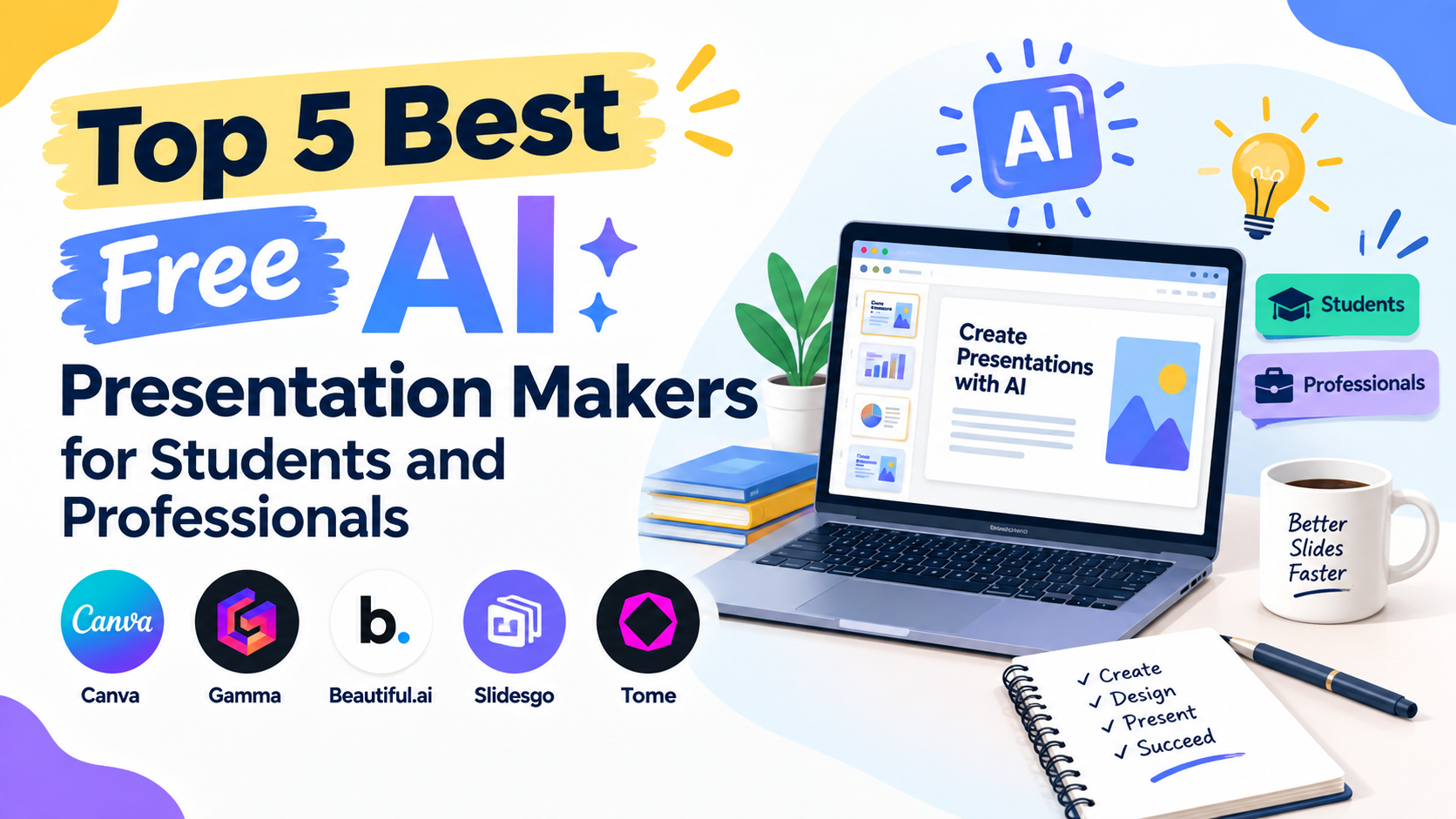
Here are five options worth considering when looking for the Top 5 Best Free AI Presentation Makers for Students and Professionals.
1. Gamma: Best for Fast AI Generated Presentations
Gamma is one of the most popular choices for creating a presentation from a simple prompt. It takes a topic or idea and can turn it into a structured deck without requiring users to manually build every slide.
The platform uses a card based approach rather than relying entirely on the traditional PowerPoint canvas. This makes it easy to reorganize content and change the overall structure of a presentation.
Gamma is particularly useful when speed matters. A student can provide a topic and create an initial presentation structure, while a professional can use it to create a first draft for a meeting or business proposal.
Current 2026 comparisons frequently place Gamma among the strongest free options because its free access allows users to generate presentations without immediately requiring a paid subscription. Its free allowance does have limits, so frequent users should check the current credit rules before depending on it for regular presentation production.
Why Choose Gamma?
Gamma is a strong choice when you want to go from an idea to a presentable first draft quickly.
It is especially useful for:
- Students creating project presentations
- Professionals preparing quick business decks
- People who do not have advanced design skills
- Users who prefer modern, web based presentations
- Anyone who wants AI to handle much of the initial structure
The main thing to remember is that the free plan is limited. Current comparisons report a one time free credit allowance, while other sources report different limits depending on the current plan structure. Because these terms can change, users should check Gamma’s current free allowance before starting a large project.
2. Canva: Best for Creative and Visual Presentations
Canva is another strong option for students and professionals who care about visual design.
Its major advantage is flexibility. Canva combines AI presentation generation with a large design ecosystem, allowing users to modify layouts, images, graphics, fonts, charts, and other visual elements after generating the initial presentation.
For students, this can be useful for assignments where visual quality matters. Professionals can use the same platform for marketing presentations, proposals, internal presentations, educational material, and branded business content.
Canva’s AI presentation capabilities can create an initial deck from a prompt, after which the user can manually adjust the design.
Recent comparisons have highlighted Canva as one of the strongest free options for visual design and clean exports, although AI usage and premium assets can be subject to free-plan limitations.
Why Choose Canva?
Canva is particularly suitable when presentation design matters as much as the written content.
It works well for:
- School assignments
- College projects
- Marketing presentations
- Visual reports
- Business proposals
- Team presentations
- Educational slides
Another advantage is that users are not locked into the AI generated design. They can continue editing the presentation manually and customize almost every visual element.
For someone who wants AI assistance without giving up creative control, Canva is one of the most practical choices.
3. SlidesAI: Best for Google Slides Users
SlidesAI takes a different approach from tools that create an entirely separate presentation workspace.
It works with Google Slides and is designed to turn existing text into structured slides. This makes it especially useful for people who already use Google Workspace for school or work.
Instead of starting with a completely blank presentation, users can provide notes, text, or other material and allow the tool to organize the information into slides.
For students, this can be useful when they already have an essay or research notes and need to turn that material into a presentation.
Professionals can use the same workflow for reports, meeting notes, training content, or business information.
Current comparisons identify SlidesAI as one of the more natural options for people who want AI presentation assistance without leaving Google Slides. Its free plan has usage restrictions, so it is better suited to occasional users unless a paid plan is needed.
Why Choose SlidesAI?
The biggest advantage is its workflow.
You can continue working inside an environment many students and professionals already understand.
SlidesAI can be a good choice for:
- Google Workspace users
- Students using Google Slides
- Teachers creating educational material
- Professionals preparing internal decks
- Users converting existing notes into slides
If you already have your content written, SlidesAI can reduce the amount of manual work required to turn that content into a presentation.
4. Slidesgo: Best for Students Who Need Editable Templates
Slidesgo is another option worth considering, particularly for students who want editable presentation templates combined with AI assistance.
Students often need presentations that can be downloaded and edited in familiar formats. Slidesgo focuses heavily on presentation templates, making it useful when the visual structure of the deck is important.
Its AI presentation functionality can help generate presentation content, while its template ecosystem gives users more control over the final appearance.
Current student focused comparisons include Slidesgo among free options, while also noting that free usage comes with limits such as a restricted number of AI presentations or template downloads and attribution requirements.
Why Choose Slidesgo?
Slidesgo can be useful when you want a combination of AI assistance and traditional presentation templates.
It is worth considering for:
- School presentations
- College assignments
- Educational projects
- Simple business presentations
- Users who prefer editable templates
- Students who want a quick visual starting point
One benefit of using a template focused platform is that the presentation does not have to look like a completely automated AI deck. You can edit the content, replace visuals, and adjust the structure to match your assignment or presentation requirements.
5. Prezi: Best for More Dynamic Presentations
Prezi is different from conventional slide based presentation tools.
Instead of moving through a series of standard slides, Prezi is known for a more dynamic presentation format that can visually move between different sections of a larger canvas.
That approach can be useful for presenters who want something different from a traditional PowerPoint style deck.
For students, Prezi can make certain classroom presentations more engaging. Professionals may also find it useful for presentations where storytelling and visual movement are important.
Current student focused comparisons list Prezi among the free options, while noting that its free access has restrictions around privacy, downloads, and AI usage.
Why Choose Prezi?
Prezi is worth considering when a conventional slide by slide format feels too restrictive.
It can work well for:
- Storytelling presentations
- Classroom presentations
- Creative project explanations
- Interactive presentations
- Visual business presentations
- Presenters who want a different format
The important point is that Prezi should not necessarily be selected simply because it uses AI. Its biggest advantage is the presentation style itself.
Which Free AI Presentation Maker Is Best for Students?
For students, the best choice depends on the assignment.
Canva is a strong option when visual design and customization are important. Gamma works well when the priority is creating a complete first draft quickly. SlidesAI is convenient for students who already use Google Slides.
Slidesgo is useful when editable templates are important, while Prezi is worth considering for presentations that benefit from a more dynamic storytelling format.
There is no single tool that is best for every student.
A research heavy assignment may require different features from a visual classroom project. Similarly, a group presentation may benefit from collaboration tools that are less important for an individual assignment.
Which AI Presentation Maker Is Best for Professionals?
Professionals generally need to consider more than appearance.
A business presentation may require consistent branding, easy editing, collaboration, reliable exports, charts, and the ability to adapt the deck before a meeting.
Gamma can be useful for quickly creating an initial business deck. Canva offers extensive visual customization and branding options. SlidesAI can fit naturally into organizations that already rely heavily on Google Slides.
For professionals, it is also important to check whether a free plan allows the required export format and whether generated presentations include branding or watermarks.
Current comparisons show that free export policies vary significantly between AI presentation platforms.
What Should You Check Before Choosing a Free AI Presentation Maker?
The word “free” can mean different things.
Some platforms offer a permanent free tier. Others give users a limited number of AI credits. Some allow presentation creation but restrict exports.
Before choosing a tool, check these factors:
AI Generation Limits
Find out how many presentations or AI generations are included.
A tool may look unlimited until you reach its credit or monthly usage limit.
Export Options
Check whether you can download your presentation as PowerPoint or PDF.
This is especially important if your teacher, client, manager, or organization requires a specific file format.
Watermarks
Some free tools place their branding on exported presentations.
A watermark may be acceptable for a personal project but inappropriate for certain professional presentations.
Design Flexibility
AI can create a first draft, but you will probably need to make changes.
Look for a platform that lets you edit text, images, layouts, colors, and other elements easily.
Collaboration
For group assignments and professional teams, collaboration can be just as important as AI generation.
Check whether multiple users can work on the same presentation and whether comments or sharing features are available.
Can AI Create a Presentation From Notes?
Yes.
Many AI presentation makers can transform notes, outlines, documents, or prompts into a presentation structure.
This is particularly useful when the difficult part is organizing information rather than writing it from scratch.
For example, a student can provide research notes about climate change and ask an AI presentation tool to organize the information into an introduction, key causes, effects, examples, solutions, and conclusion.
However, the generated presentation should still be reviewed carefully.
AI can organize information quickly, but it can also produce inaccurate statements, oversimplifications, or unsupported claims.
Are AI Presentation Makers Good for Students?
They can be very useful when used as productivity tools rather than replacements for learning.
Students can use AI to organize notes, develop an initial outline, suggest slide structures, and reduce repetitive formatting work.
The student should still verify facts, use reliable sources, rewrite material in their own understanding, and follow their school’s rules regarding AI use.
A presentation may look polished while still containing incorrect information. Therefore, visual quality should never replace research and review.
Are Free AI Presentation Makers Really Free?
Some are, but free access usually has limitations.
Current 2026 comparisons show major differences between free plans. Gamma, Canva, SlidesAI, and other platforms offer some form of free access, but the limits can involve AI credits, presentation counts, premium assets, exports, watermarks, or other restrictions.
This is why checking the actual free plan is more useful than choosing a tool based only on the word “free.”
A tool may be perfect for creating two presentations a month but unsuitable for someone who needs to produce several decks every week.
Frequently Asked Questions
What is the best free AI presentation maker?
There is no single best option for everyone. Gamma is strong for fast AI generated decks, Canva is useful for visual customization, and SlidesAI works particularly well for Google Slides users.
Can students use AI to make presentations for free?
Yes. Several presentation platforms provide free tiers or limited free AI usage. Students should still verify their school’s AI policies and check the current limits of the selected platform.
Can AI presentation makers create PowerPoint files?
Some can create or export PowerPoint compatible presentations, but export availability differs by platform and plan. Users should verify the current free-plan export options before starting an important project.
Which AI presentation maker is best for Google Slides?
SlidesAI is specifically designed to work with Google Slides, making it a convenient choice for users who already work inside Google’s presentation environment.
Should I trust an AI generated presentation without checking it?
No. AI generated slides should be reviewed for factual accuracy, sources, wording, formatting, and relevance before being presented.
Final Thoughts
The Top 5 Best Free AI Presentation Makers for Students and Professionals are not necessarily interchangeable. Each platform has a different strength.
Gamma is a strong choice for quickly turning an idea into a polished first draft. Canva is better suited to users who want extensive visual control. SlidesAI is convenient for Google Slides workflows, while Slidesgo can help students combine AI assistance with editable templates. Prezi stands apart with its more dynamic presentation style. Also read this blog Pythagorean Theorem Calculator: Solve Any Triangle Fast.
The most important step is to choose based on the actual project. Consider how much AI generation you need, whether you require PowerPoint or PDF export, whether a watermark is acceptable, how much design control you want, and whether you need collaboration.
AI can make presentation creation much faster, but the strongest final presentation still comes from combining AI assistance with human research, editing, fact checking, and thoughtful delivery.